ASK THE AGENT
Your AI representative. Built around you.
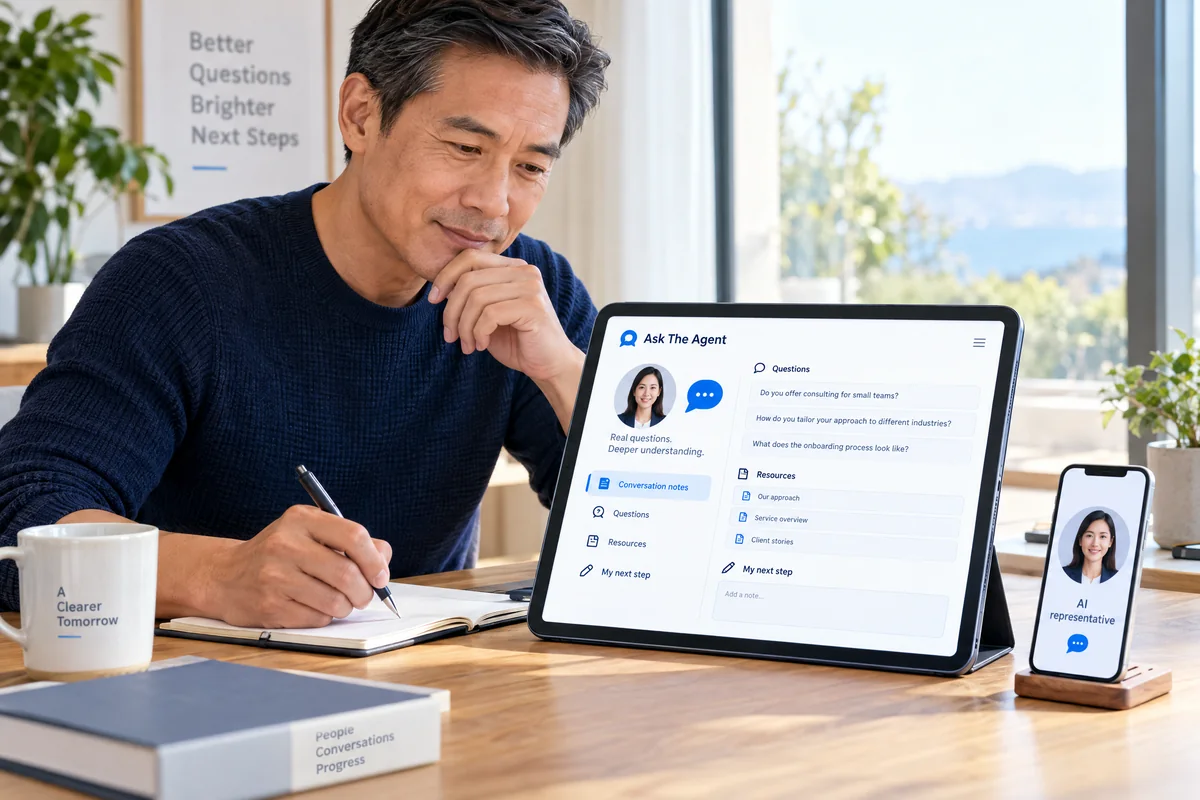
ATA connects your AI-powered representative with the biography, knowledge, questions and links that explain your work. You choose the focus, then use conversation insights to decide your next step.
- Meet the representative
A biography, suggested questions and selected links help visitors begin.
- Give each role a focus
Prepare up to three representatives with separate knowledge and goals.
- Understand the conversation
Explore available records with your included reporting assistant.
YOUR PRESENCE, CONNECTED
- CreateShape your representative
- ShareConnect your public page
- EngageInvite useful questions
- UnderstandReview the conversation
- GrowChoose your next step
YOUR TEAM OF REPRESENTATIVES
Different roles. A clear purpose for each.
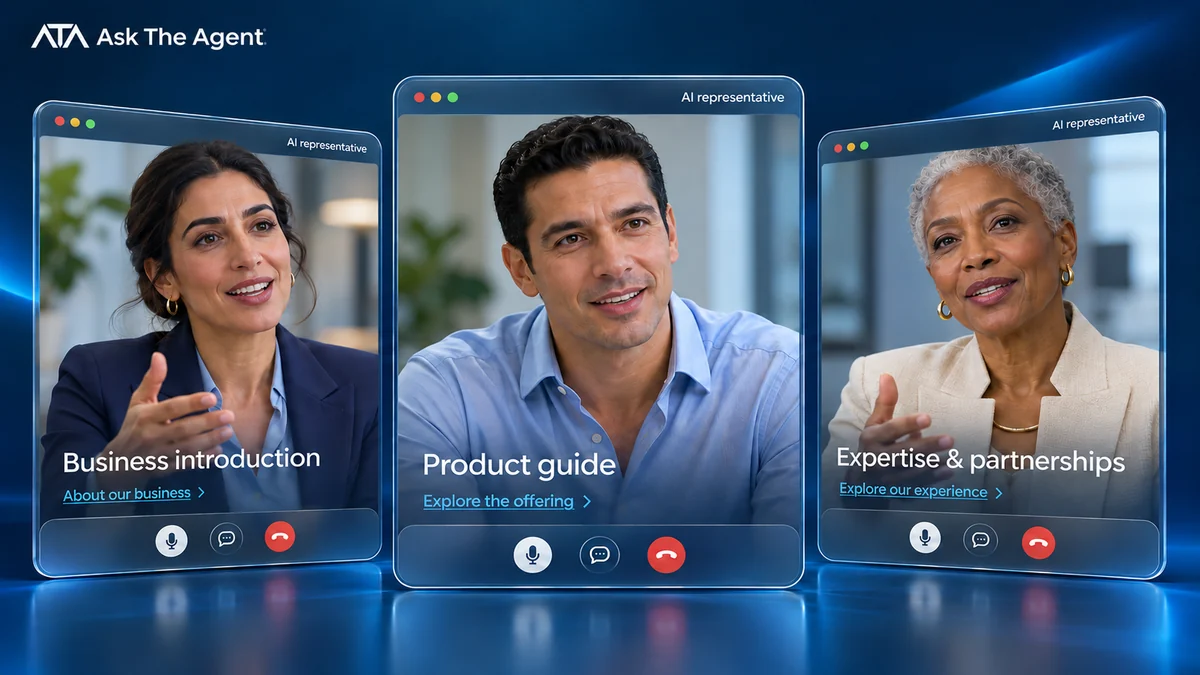
Build up to three differentiated representatives for different services, businesses or audiences. Give each separate knowledge, an identity and voice, a tone that fits the audience and a goal that helps visitors understand where to go next.
Your marketing and content invite people to the representative, prepared knowledge supports the conversation, and its public page gives you a destination to share. Dashboard reports help you review what people asked. Choose the work and audience each role should explain.
Use photos and voice samples you own or have permission to use, including for another authorized person. Studio guides you through the professional profile. Keep identity, tone and purpose instructions distinct from the facts the representative should explain.
Upload written materials that add detail beyond the biography: reviewed service details, product details, your process and common questions. Keep each role's knowledge separate, check for outdated details, exclude private information and choose suggested questions the supplied material can reasonably address.
Business introduction: explain who you serve and how to contact you. Service or product guide: explain an offering and point to a selected resource or enquiry link. Expertise and collaborations: use your experience, portfolio or professional profile to help prospective clients or collaborators prepare a relevant question. You handle suitability and personal recommendations yourself.
A FOCUS FOR EACH ROLE
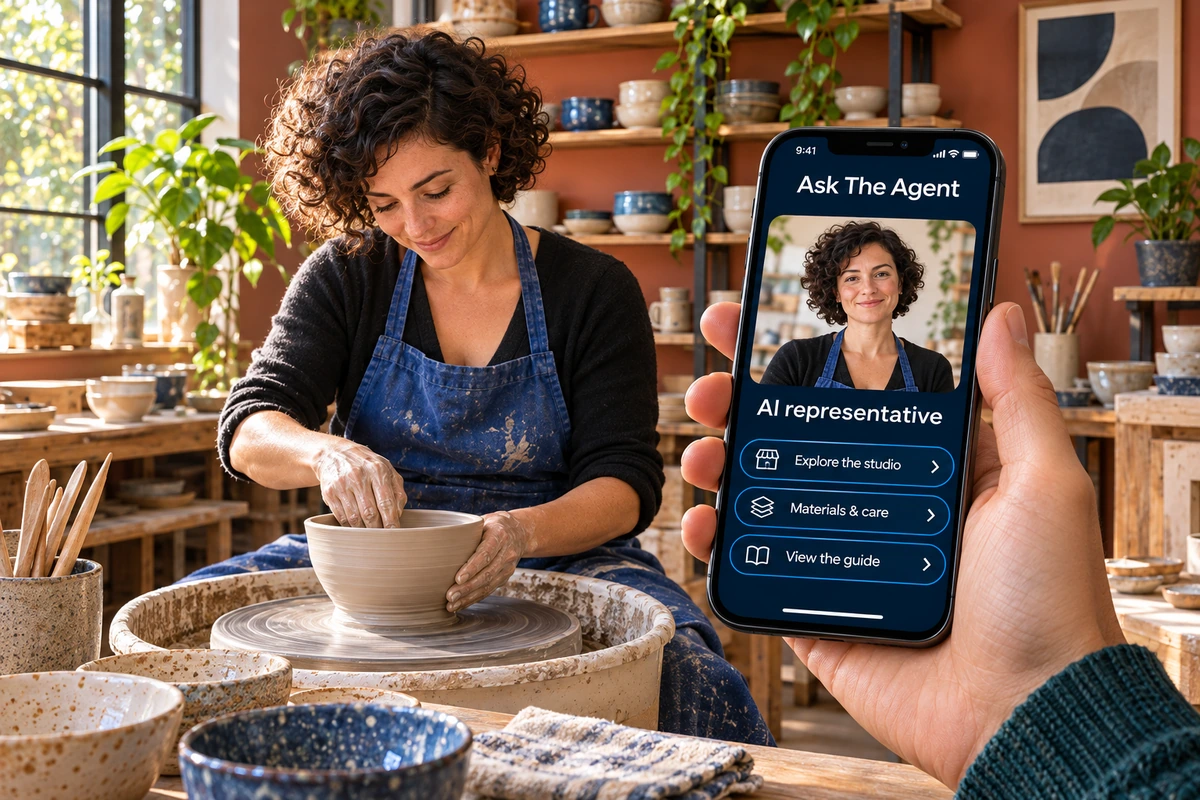
Different knowledge. Different purpose.YOUR PUBLIC PRESENCE
Make it easier for people to begin.
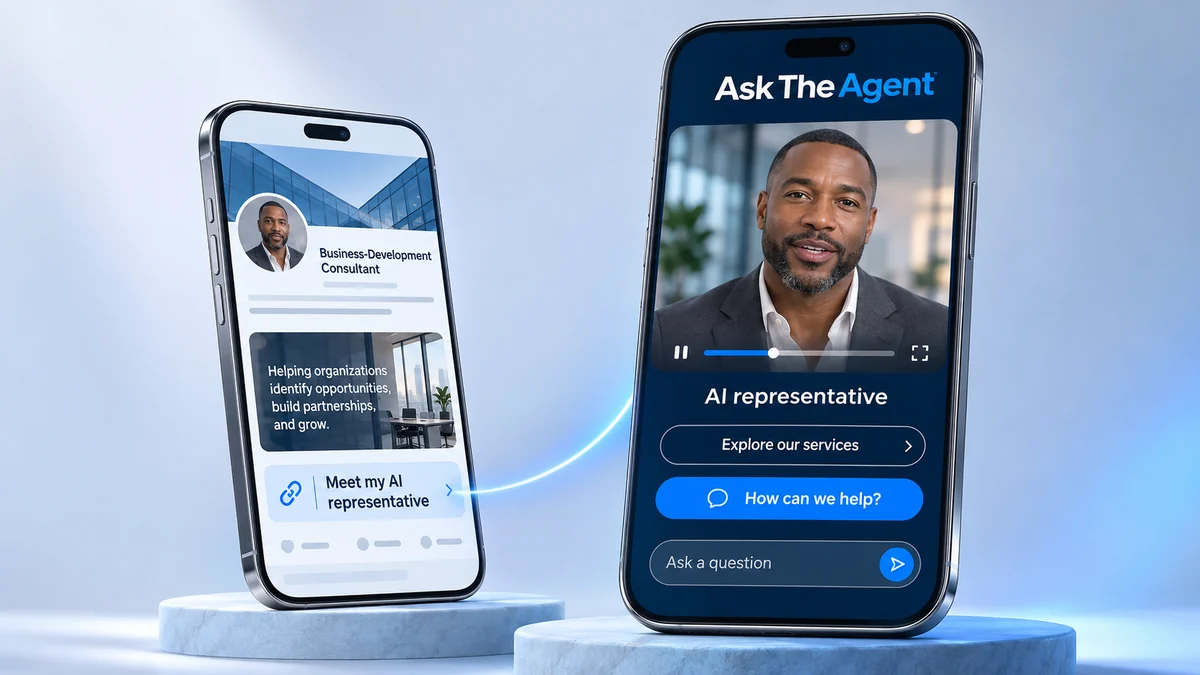
Your representative's page brings together a biography, suggested questions, selected links and resources to give visitors context for an AI-powered conversation. Choose a useful next step for people who want to explore further.
Match the biography and questions to your supplied knowledge. Select current, clearly labelled destinations such as your website, LinkedIn profile, portfolio, service outline or your own enquiry or booking page. Visitors continue through those external pages and business tools; you manage appointments and personal replies through your existing process.
Share your hosted page through social posts, email, presentations or QR links, or embed it on a compatible website. A link opens the hosted page; embedding places it within a website that supports the embed. Check compatibility and test the location. Pair each invitation with a specific topic visitors can explore.
A CLEAR STARTING POINT
THE COMPLETE CYCLE
Understand the conversations. Choose your next step.
Review conversation summaries, transcripts where available and visitor-provided details in ATA Studio. Ask the included conversational reporting assistant about your reports, then decide how to follow up.
Check the available record alongside any name, email address or phone number the visitor chose to share. Review activity and talk-time for each representative, and choose conversation email alerts or a daily digest. The reporting assistant helps you explore recurring questions and possible next steps; check the records when details matter.
Use what you learn to update your knowledge, clarify a suggested question or choose a better resource. Prepare and send personal follow-up through your own business tools or process. You decide which response fits the enquiry.